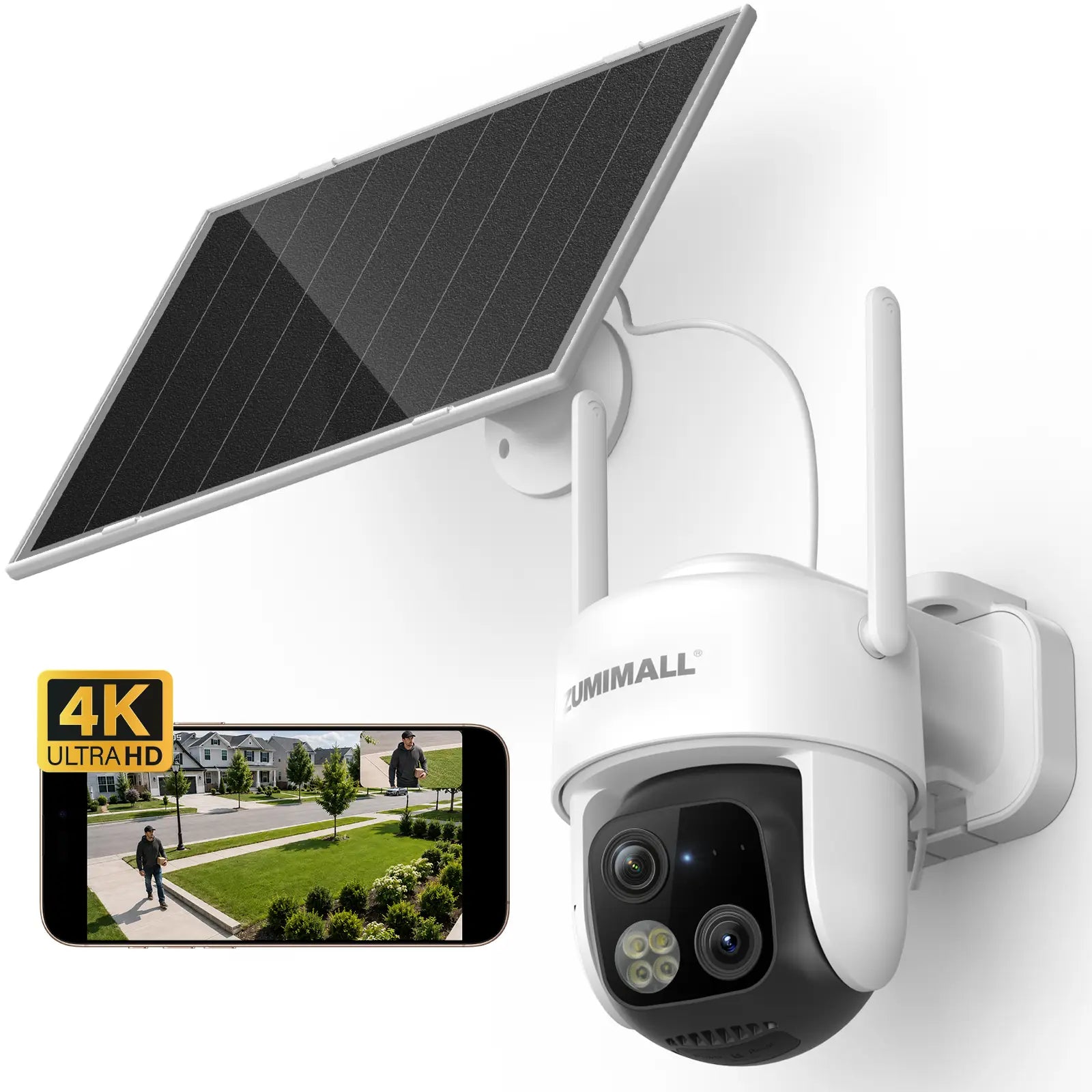
¿El Wi-Fi débil arruina tu cámara? 5 formas de mejorar la señal en exteriores
Tu cámara transmite perfectamente en interiores, pero al instalarla en el exterior, la transmisión en vivo se convierte en un pase de diapositivas. Te explicamos por qué y cómo solucionarlo.
Una señal de Wi-Fi débil es una de las causas más comunes del mal rendimiento de las cámaras en exteriores: transmisiones en vivo interrumpidas, alertas con retraso, grabaciones perdidas e incluso desconexiones completas. La mayoría de las cámaras funcionan con Wi-Fi de 2,4 GHz, ideal para cubrir grandes distancias, pero muy ineficaz para atravesar paredes exteriores. Aquí tienes cinco formas prácticas de conseguir una señal más fuerte donde realmente se encuentra tu cámara.
1. Acerca el router a la cámara
La mayoría de los routers se encuentran en un despacho o en el salón, a menudo en el lado opuesto de la casa respecto a la cámara de exterior. Cada pared interior que atraviesa la señal reduce significativamente su potencia, y las paredes exteriores empeoran la situación. Si es posible, cambia el router a una posición central o, al menos, al lado de la casa que da a las cámaras. Incluso un cambio de 3 metros puede marcar una gran diferencia.
Camina desde el router hasta la ubicación de la cámara con el teléfono y observa la intensidad de la señal Wi-Fi. Si baja de 2 barras, es probable que tu cámara tenga problemas.
2. Añade un extensor de alcance Wi-Fi
Un extensor de alcance colocado entre el router y la cámara capta la señal existente y la retransmite. Colócalo en el interior, cerca de una ventana orientada hacia la ubicación de la cámara, preferiblemente con línea de visión directa. Busca un extensor compatible con 2,4 GHz y que tenga antenas externas. Es la mejora más económica que ofrece resultados constantes.
3. Cambia a un sistema Wi-Fi Mesh (pero conéctate al router principal)
Para propiedades más grandes o varias cámaras, un sistema Mesh es la mejor solución a largo plazo. Los sistemas Mesh utilizan varios nodos colocados por toda la casa para crear una única red fluida sin zonas muertas. Cada nodo actúa como repetidor, por lo que tu cámara se conecta al nodo más cercano en lugar de tener que atravesar paredes para llegar al router.
Al emparejar la cámara durante la configuración, selecciona siempre la red Wi-Fi del router principal, no la de un nodo satélite. Conectarse primero a un nodo puede provocar problemas de compatibilidad de red y hacer que la cámara no se conecte a la red en absoluto.
4. Reduce las interferencias de otros dispositivos
El Wi-Fi de 2,4 GHz compite con los hornos microondas, los dispositivos Bluetooth, los monitores para bebés e incluso el router de tu vecino. Intenta cambiar la cámara a un canal Wi-Fi menos congestionado (los canales 1, 6 o 11 suelen funcionar mejor). Aleja el router de objetos grandes de metal y otros dispositivos electrónicos. A veces, la solución es tan sencilla como mover el router unos centímetros.
5. Considera un kit de cámara con estación base
La mayoría de las cámaras de exterior para consumidores no se pueden conectar mediante cable Ethernet, ya que dependen totalmente del Wi-Fi. Pero si los problemas de señal persisten, hay una alternativa más limpia: un kit de cámara con estación base. La estación base se empareja con las cámaras mediante su propio canal inalámbrico dedicado, independiente de la saturada red Wi-Fi de tu hogar. Sin competir con teléfonos, tabletas, televisores inteligentes ni el router de tu vecino.
El resultado es una señal más limpia, un alcance efectivo mayor y una conexión mucho más estable, ideal para cámaras instaladas en garajes, cobertizos o al otro extremo del jardín.
Una cámara solo es tan fiable como su conexión. Dedica una hora a ajustar tu Wi-Fi y verás menos interrupciones, alertas más rápidas y transmisiones en vivo más nítidas.
Conclusión
Un Wi-Fi débil no tiene por qué ser un problema permanente. Con unos pocos ajustes estratégicos —mover el router, añadir un extensor, cambiar a un sistema Mesh o usar un kit con estación base— puedes convertir una cámara con problemas en un sistema de seguridad fiable.
¿Estás listo para mejorar la configuración de tu cámara de exterior? Explora la gama de cámaras Wi-Fi y kits con estación base de ZUMIMALL para disfrutar de una cobertura estable y fiable en cualquier lugar de tu propiedad.
Explora las cámaras ZUMIMALL →¿Cuál ha sido tu experiencia con el Wi-Fi de las cámaras de exterior? Comparte tus consejos en los comentarios a continuación.
Completa tu sistema de seguridad